



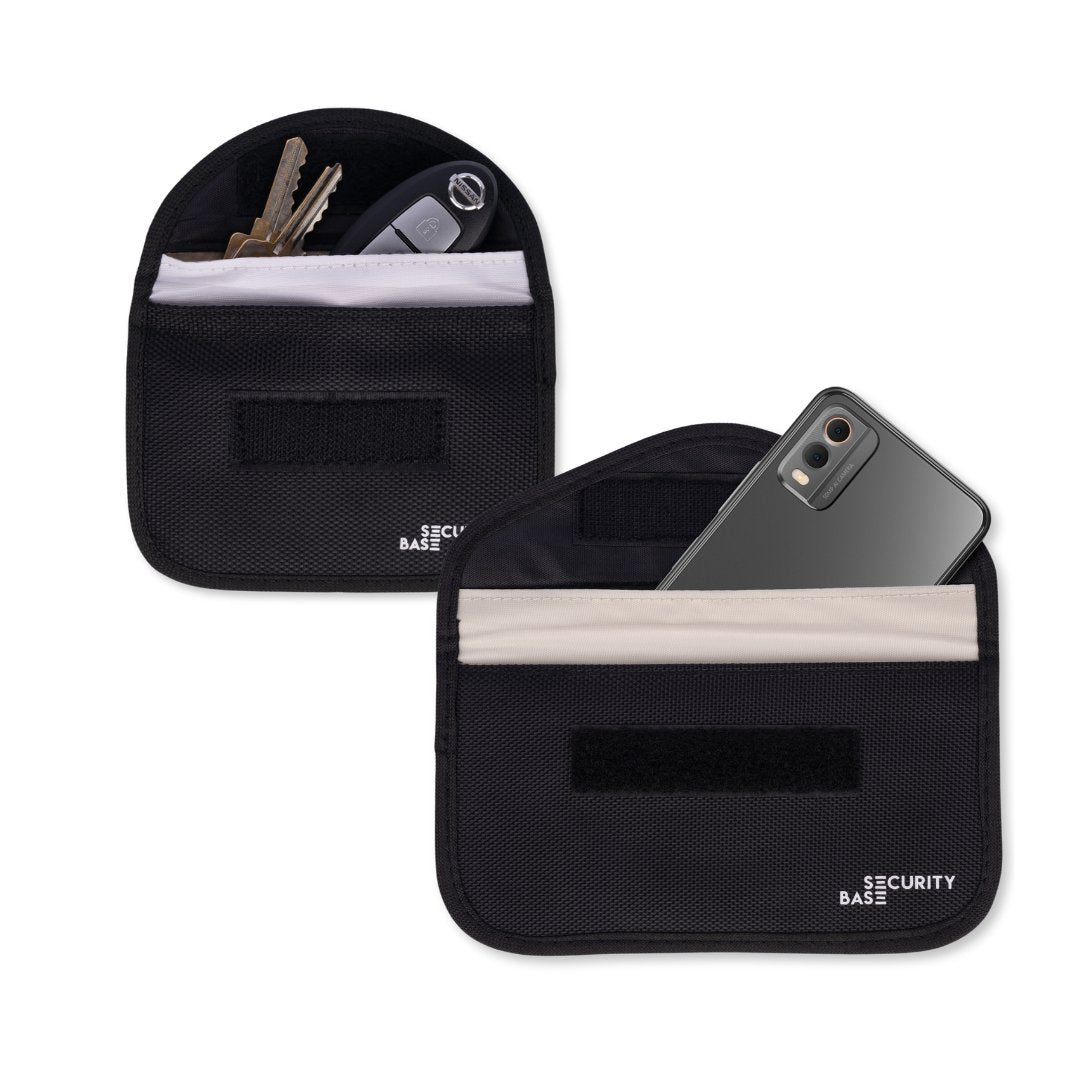



At SecurityBase, a question we sometimes get is: “My Faraday Pouch isn’t working — I can still get a signal!”
The good news? Our Faraday Pouches are designed with double-layered shielding and strict quality controls. When used correctly, they block signals effectively. In almost every case, the issue comes down to how the bag is being used — not the bag itself.
Our bags provide this superior signal blocking through:
- Double-layer Faraday material – most other brands use only a single layer
- 2 cm fold-over seal – compared to the 1 cm fold found on many alternatives
- Conductive stitching – ensures uninterrupted shielding (unlike non-conductive stitching)
- Secure Velcro closure – avoids the signal leakage risks of buttons or magnets
Buffered activity on phones can be misleading
Before testing your Faraday Pouch, it’s important to understand that some phone activity can continue briefly even after the signal has been blocked.
For example, music, videos or Bluetooth audio may keep playing for a short time because it has already been buffered. Emails, messages, app notifications can continue loading if the information was received before the phone was placed inside the pouch.
This does not mean the pouch is failing. It simply means the phone is still processing data that was already received. For the most reliable test, place the phone fully inside the shielded compartment, close the pouch properly, wait around 20 seconds, and then call the phone from another device. If the pouch is working correctly, the call should not come through.
Why your pouch might not seem to work
1. Using the wrong compartment
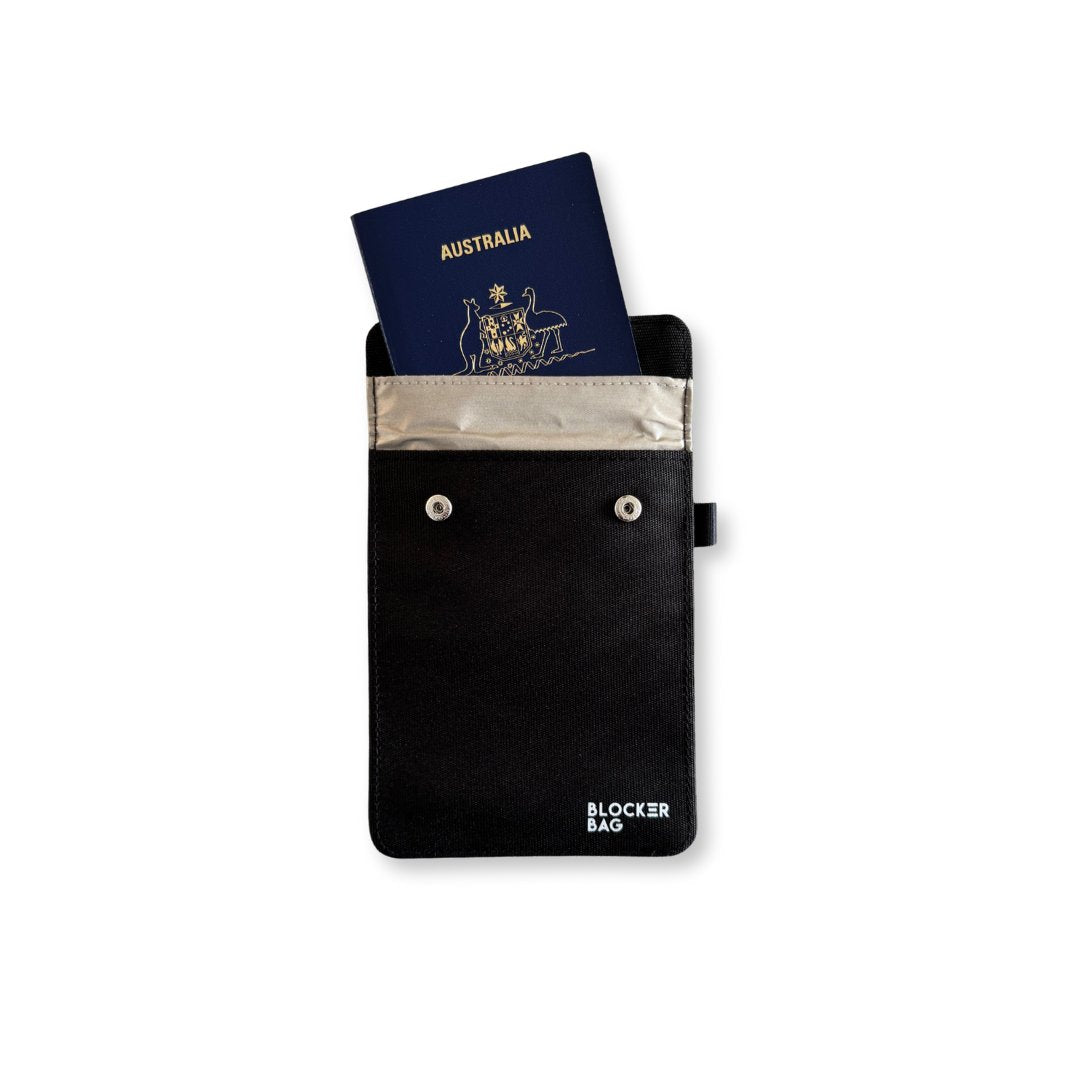
Our Faraday Bags include a front pocket that does not have signal-blocking lining. This pocket is for general storage — cards, cables, or accessories — but it won’t block signals.
✅ Always place your phone, car key, or card inside the main inner compartment, which has the double Faraday lining.

2. Using a device that doesn’t fit
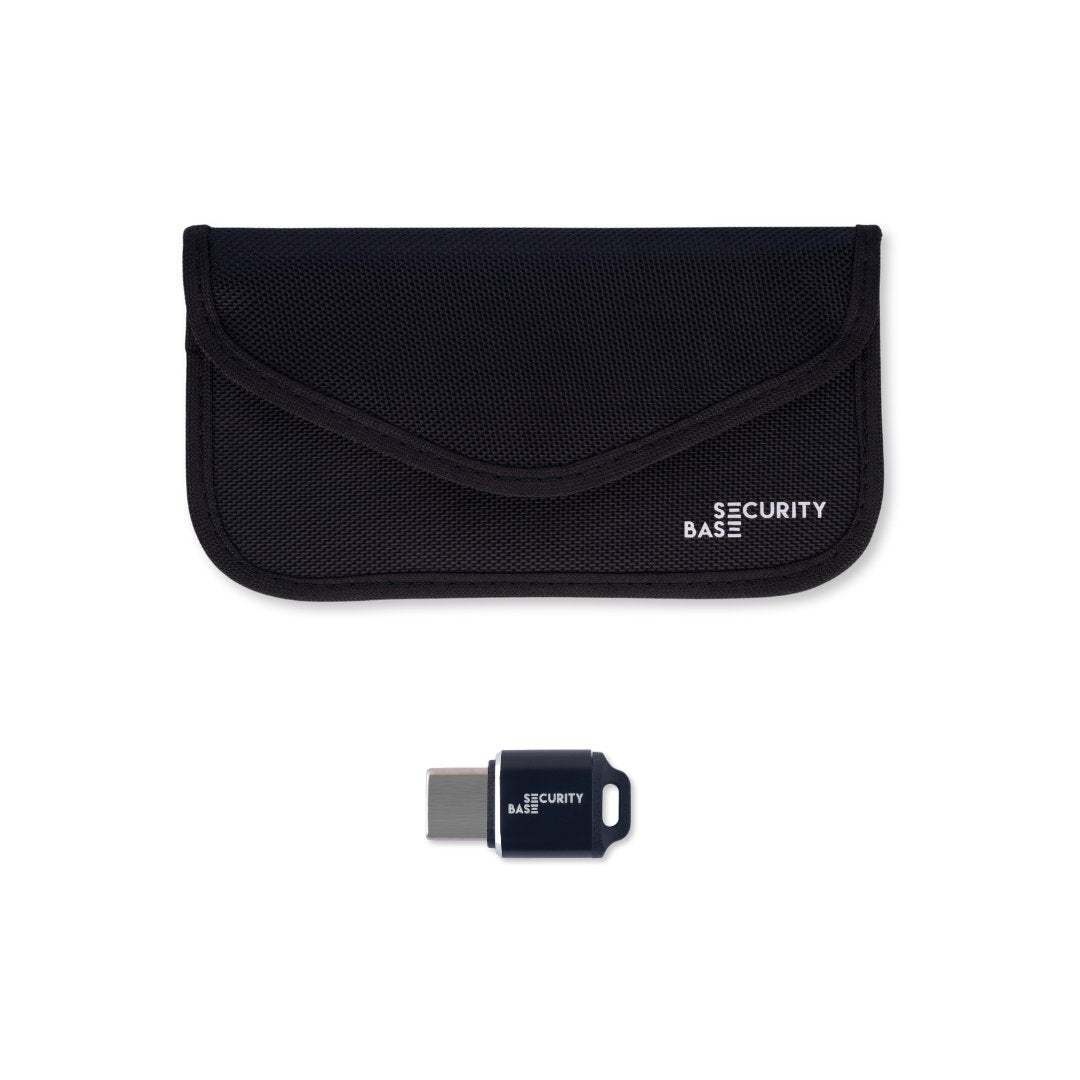
For Faraday technology to work, the device must sit fully inside the lined compartment with the Velcro closure folded over twice to create a proper seal. If your phone or key fob is too bulky for the standard-size bag, it may not seal properly and could still show some signal.
✅ Choose the correct size bag or pouch for your device — we offer phone, car key, and larger pouches to ensure a comfortable fit to enable a secure seal. You can find our range of Faraday Bags with various sizes (incl. larger pouches) here.

3. Wear and tear has impacted performance
A Faraday pouch is designed to provide long-term protection, and the shielding material does not expire. However, its effectiveness can gradually decline due to normal wear and tear.
The conductive shielding layer consists of a delicate nickel-copper mesh woven into fabric. It can be damaged by repeated folding, creasing, stretching, or abrasion, particularly when sharp objects, such as house keys, are placed inside the pouch.
This applies even to our double-layered Faraday pouches, which provide additional protection and durability but are not immune to damage. To maintain reliable shielding, handle the pouch carefully, avoid excessive bending and test it periodically to confirm that it is still blocking signals effectively.

✅ Do not place sharp items, including sharp-edged keys, inside the inner lining. Sharp items can cause additional wear and tear and degrade pouch performance. Place any additional keys outside the pouch and secure them using the key chain. We recommend testing the pouch regularly and replacing it if its performance degrades.
How to test your Faraday pouches
The most reliable way to check your Phone Faraday Bag is:
- Place your phone in the inner compartment.
- Fold and secure the Velcro closure.
- Wait 15 seconds and try calling or messaging the phone from another device.
If the bag is sealed correctly and the device fits, calls and messages won’t come through until the phone is removed.
For the most accurate test, wait around 20-30 seconds after sealing the pouch before checking.
The best way to test your Car Key Faraday Pouch:
- Place your car key inside the inner compartment.
- Fold and seal the flap securely.
- Walk up to your car and try unlocking it.
If the pouch is sealed properly, the car will not respond.
We're here to help!
Faraday Bags from SecurityBase are thoroughly tested and proven to work. Issues usually come down to placement or fit. By using the correct compartment and ensuring your device fits properly, you’ll get the full signal-blocking protection the bag is designed for.
Still having issues or questions? Feel free to reach out, and we're happy to assist!


